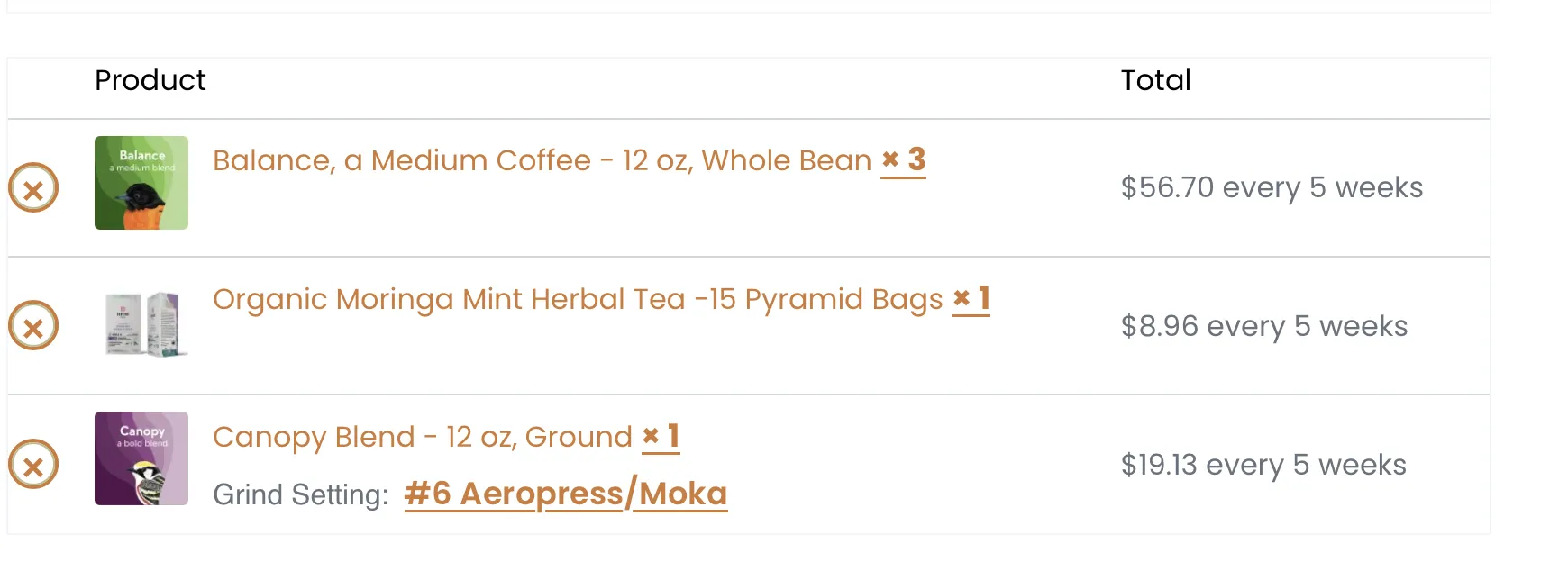
To remove a line, click the x.
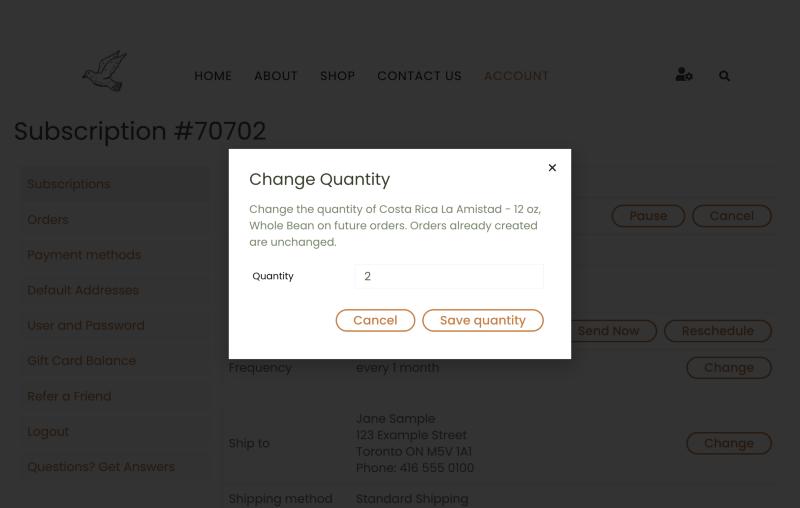
To adjust the quantity of an item, click the quantity and you will see a “Change Quantity” popup. Orders generated after the change will use the new quantity.
Note that your change will not affect any order that was already been generated when you made the change, even if it has not yet been filled.
Note that any order created before your change will NOT reflect the new quantity, even if it is not yet shipped.
We will review your subscription offline and apply the shipping charges if applicable. We will always confirm before adding any charges.