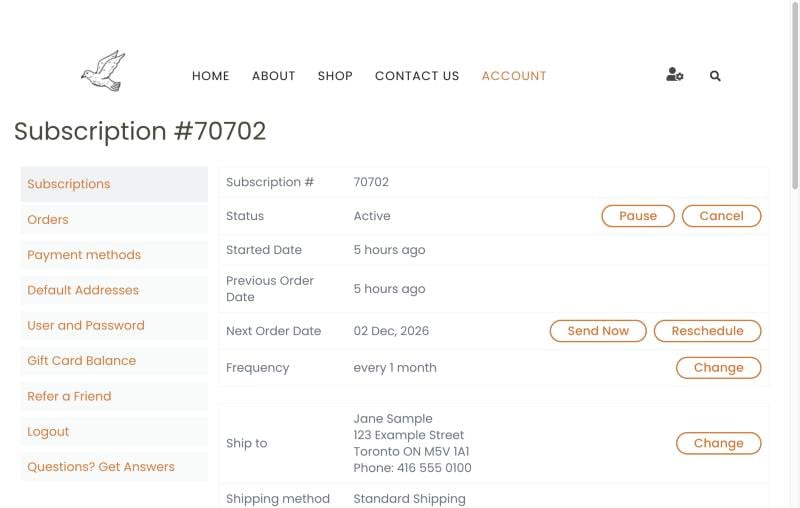

To change the address for the subscription, sign in and go to your account page. Select the subscriptions tab. Then choose Edit.
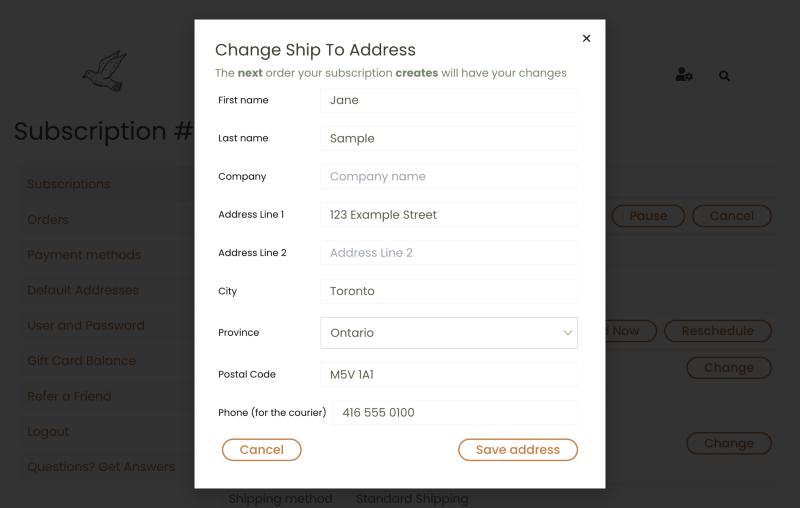
Press the Change button beside the Ship To address. You will see a popup where you can change the shipping address.
A change of address may affect shipping charges on orders with roasted coffee below $54. We’ll confirm if this increases shipping charges.
Change the shipping address on your subscription. Changing the default addresses doesn't change existing subscriptions